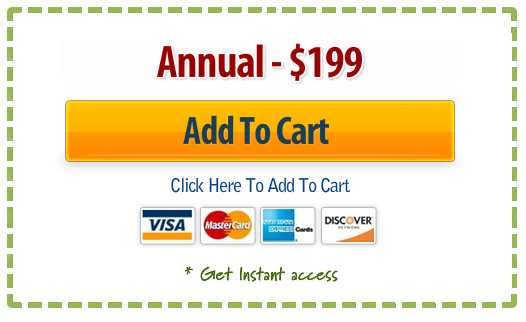
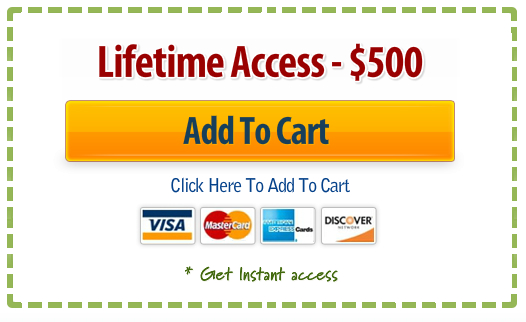
You may make payment using a PayPal account (if you have one) or a Credit Card.
Your information is 100% secure.
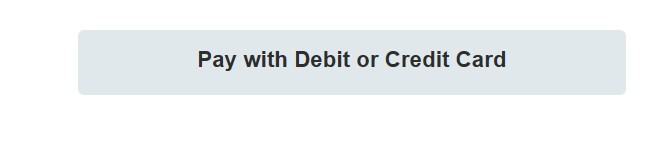
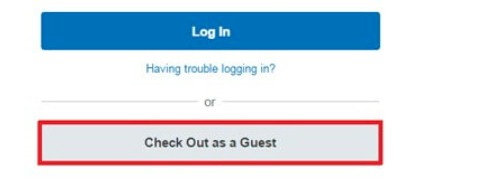
To use a Credit Card instead of a PayPal account, select the gray Credit Card button when you get to the payment page.
It appears below the PayPal account option. Depending on the device you are using, it either says “Pay with Debit or Credit Card” OR “Checkout as Guest.”
This is NOT the PayPal account option, even though the name PayPal appears on the page. Just select one of the following options when you see it.
OR
3. The options below are discounted. The lifetime access plan is the best option. It’s less than the annual fee for 2 years and you never have to make another payment or worry about your credit card expiring (which is an issue with monthly and annual payments).
There are no refunds for the lifetime access option or for the annual option (but you can always cancel the annual option so it doesn’t auto renew for the following year).
Registration closes soon so register today.

Read This First
- After you make payment, you will receive one or two confirmations and receipts from Paypal, if you paid that way. They will go to the email address you used to make payment.
- Within 1 to 5 hours, you will also receive an email from us to that same email address that will have your login credentials to access the Network. You can always change the password if you wish. But it’s not necessary since the Network site is incredibly secure.
- Frank will be sending you an email every Monday updating you on new content to the same email address you used when you registered. If you don’t see one on a given Monday, check all your folders.
GAIN INSTANT ACCESS TODAY